 Fridget
1
Tap everything you bought.
Milk, eggs, chicken, the lot. Pick them all, then add them together, not one by one. A dozen eggs or six yogurts is two taps.
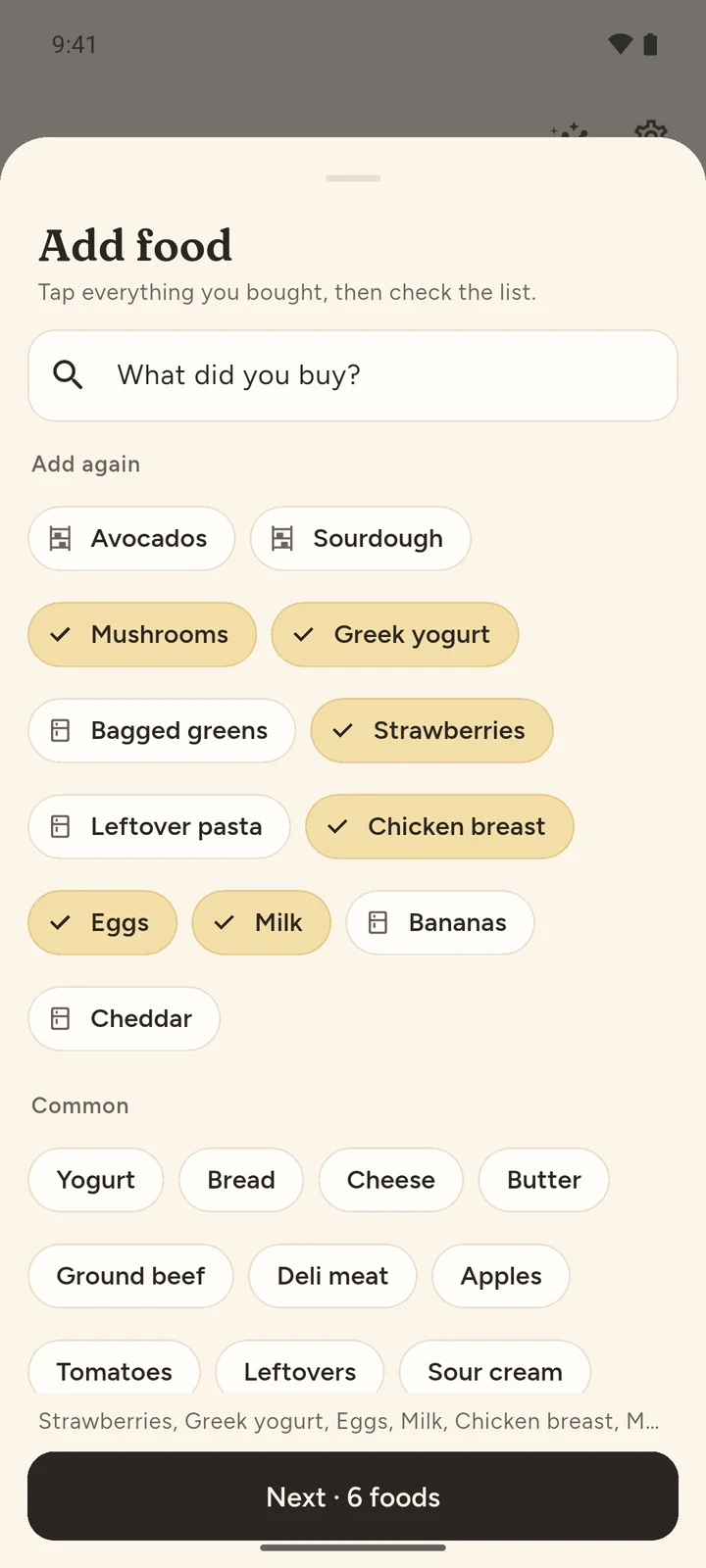
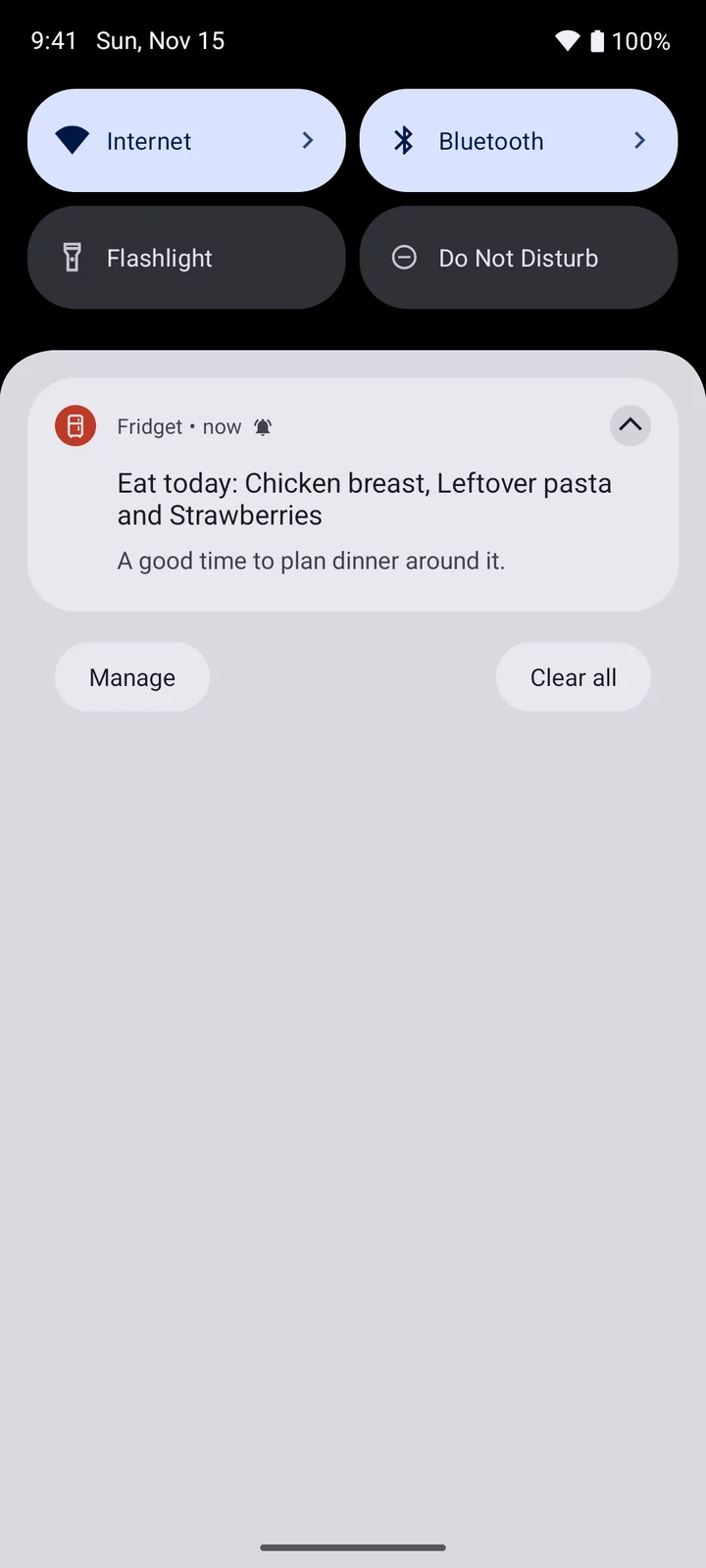
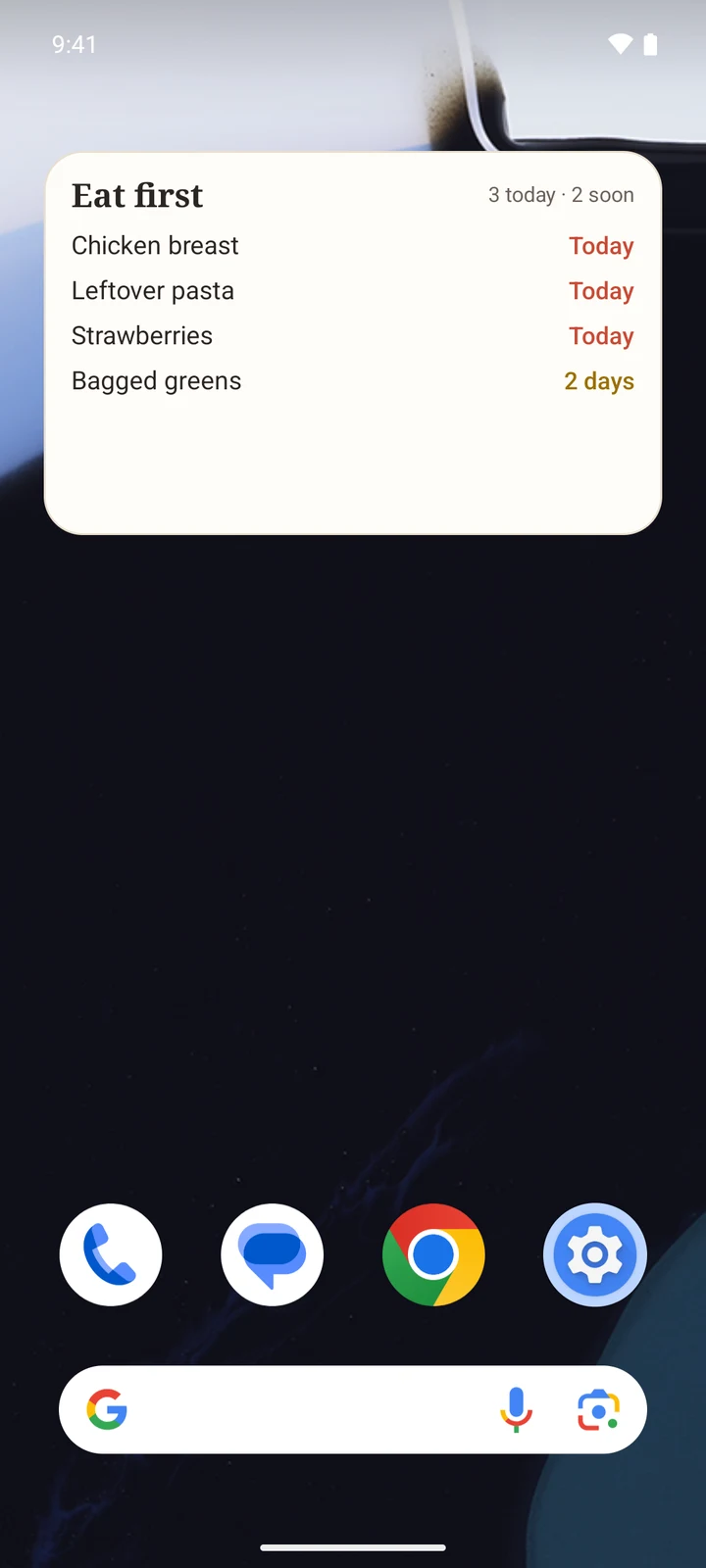
Tap what you bought. Fridget fills in the dates, puts your food in the order it should be eaten, and sends one gentle reminder a day. No account. No subscription.
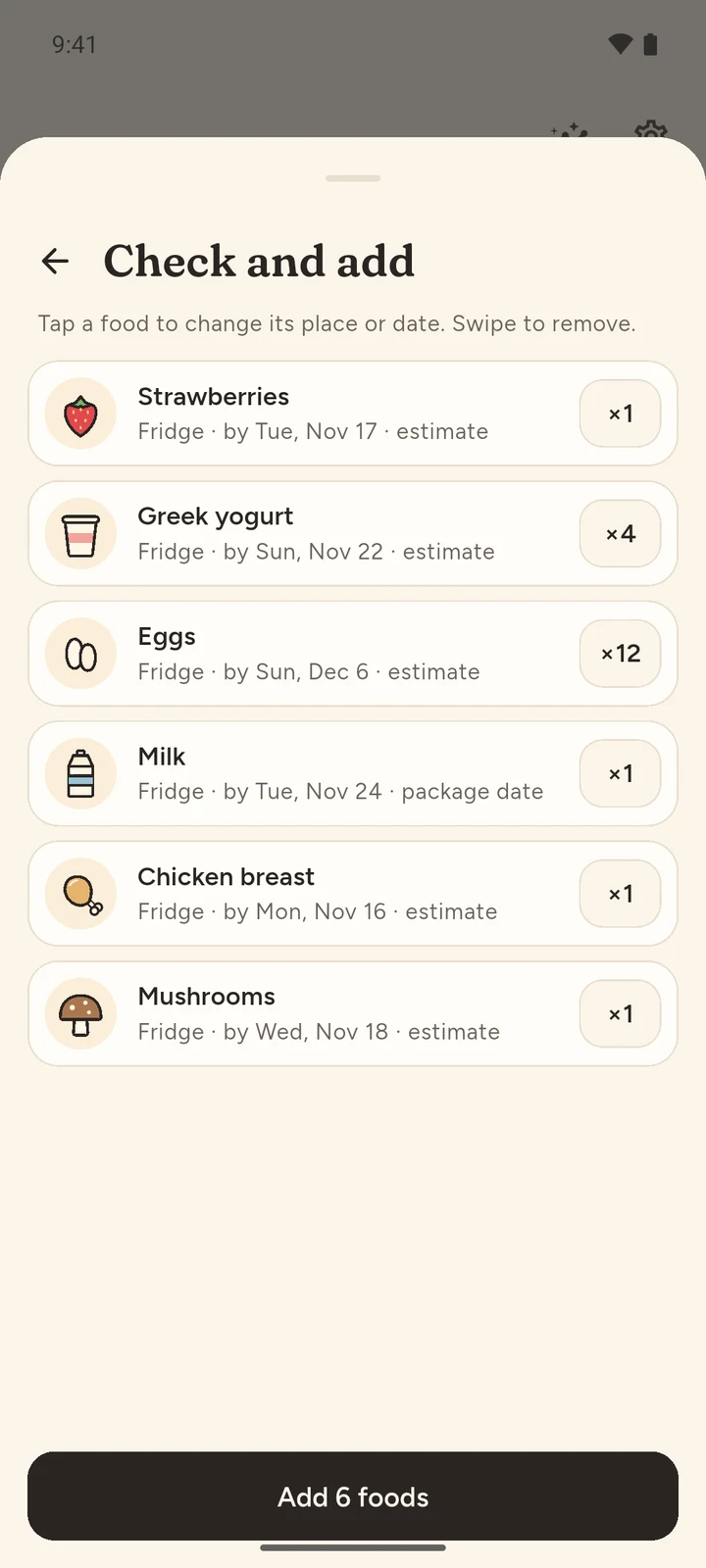
Milk, eggs, chicken, the lot. Pick them all, then add them together, not one by one. A dozen eggs or six yogurts is two taps.
No date on the pack? Fridget estimates it from USDA storage guidance and marks it as an estimate. Fresh produce, deli meat and leftovers all get a sensible date.
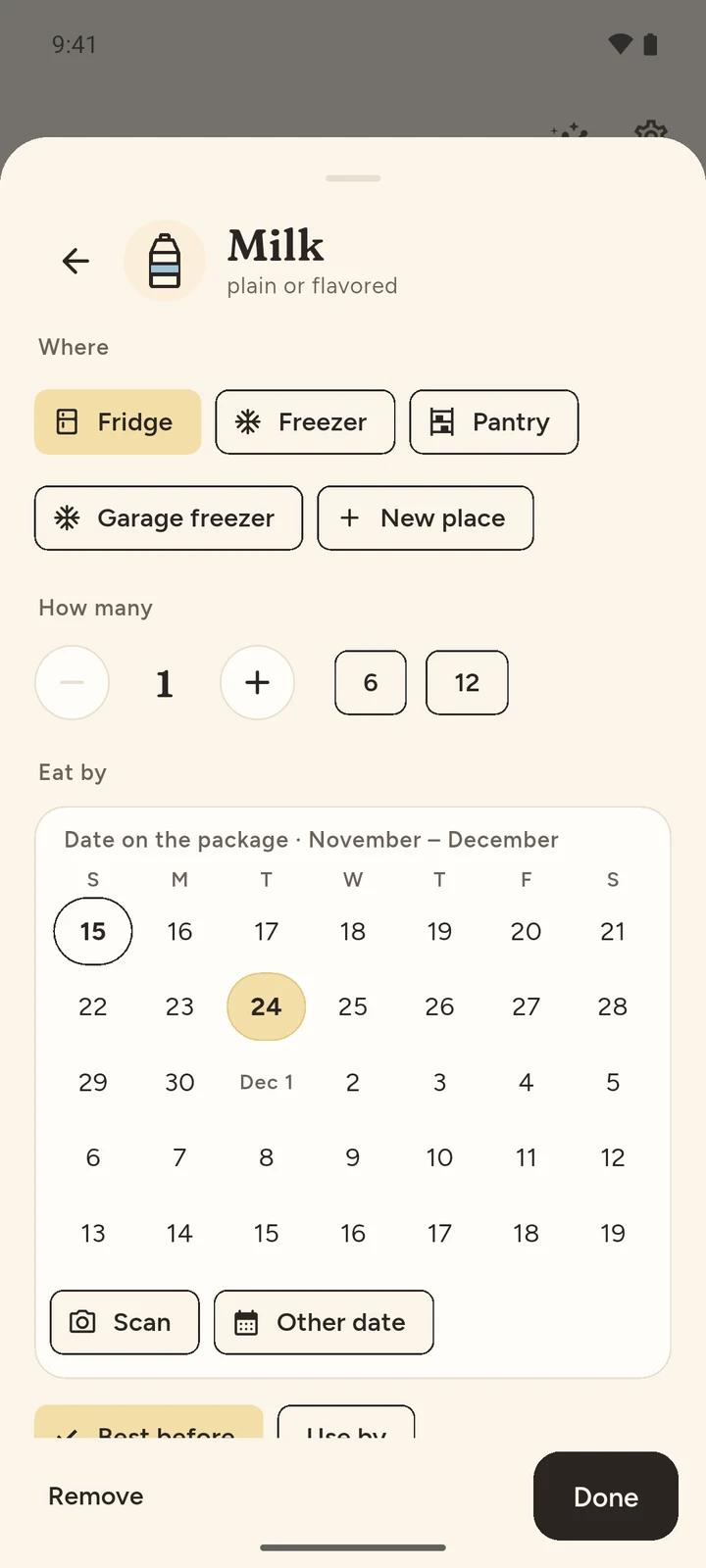
Pick it on a small calendar or scan it. The text is read on your phone and the photo is deleted right away. Opened it, froze it, thawed it? The date moves with it.
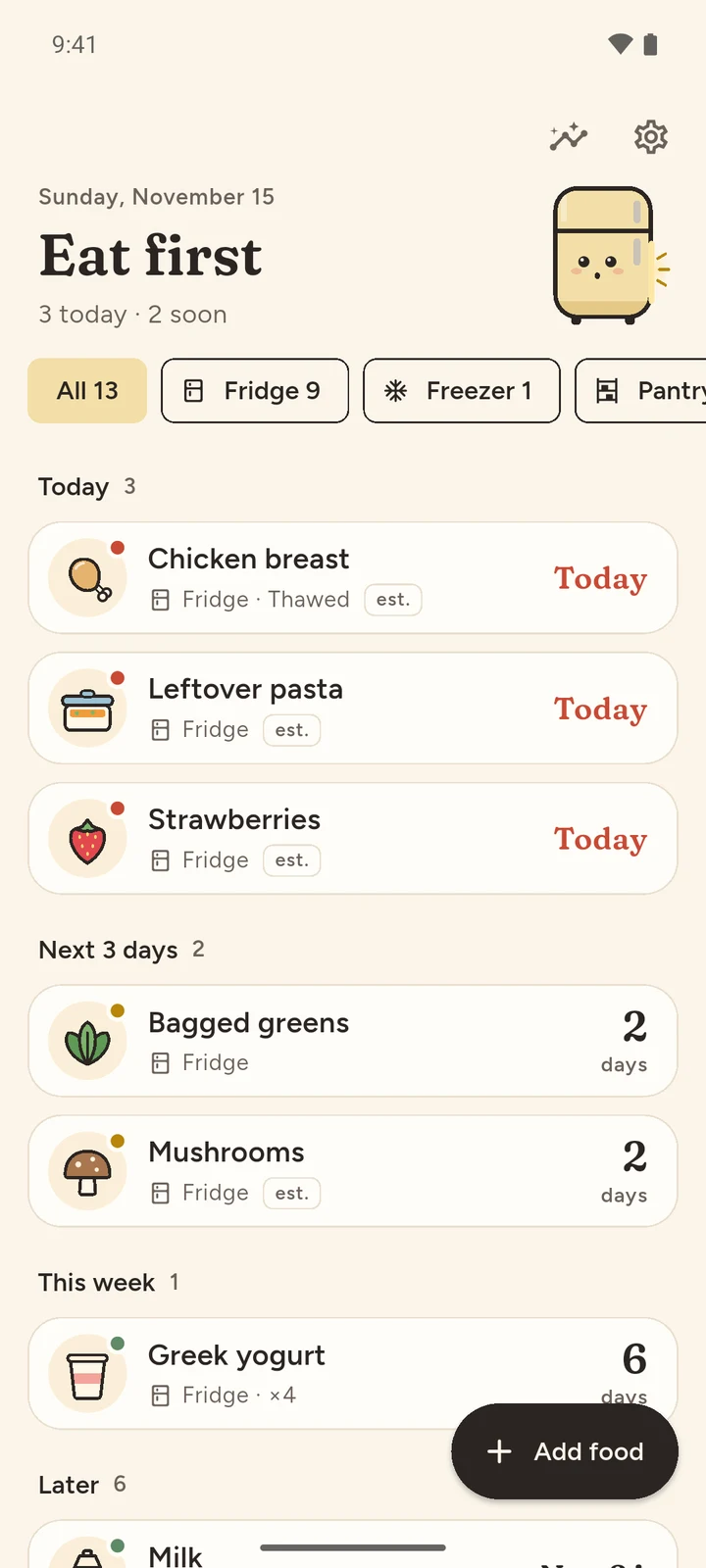
Today, the next three days, this week, later. Swipe right when you eat something and Fridget is glad with you.
When something is due, one gentle reminder, at a time you choose. Not a stream of them.
The same USDA FoodKeeper guidance Fridget uses to fill in dates, for 661 foods. Fridge, freezer and pantry, and how long after opening.
Storage times are general guidance for best quality from USDA FSIS FoodKeeper, not a safety guarantee. If food smells, looks or feels wrong, throw it out.
Unlimited foods, reminders, scanning and backup. A small ad keeps it that way.
No. There's no sign-in at all. Your list lives on your phone and works offline.
Printed dates come from you (one tap, or a scan). Foods without one get an estimate from USDA FoodKeeper storage guidance, clearly marked "est." and always yours to change.
Yes. The date is read on your phone and the photo is deleted right away. Nothing is uploaded.
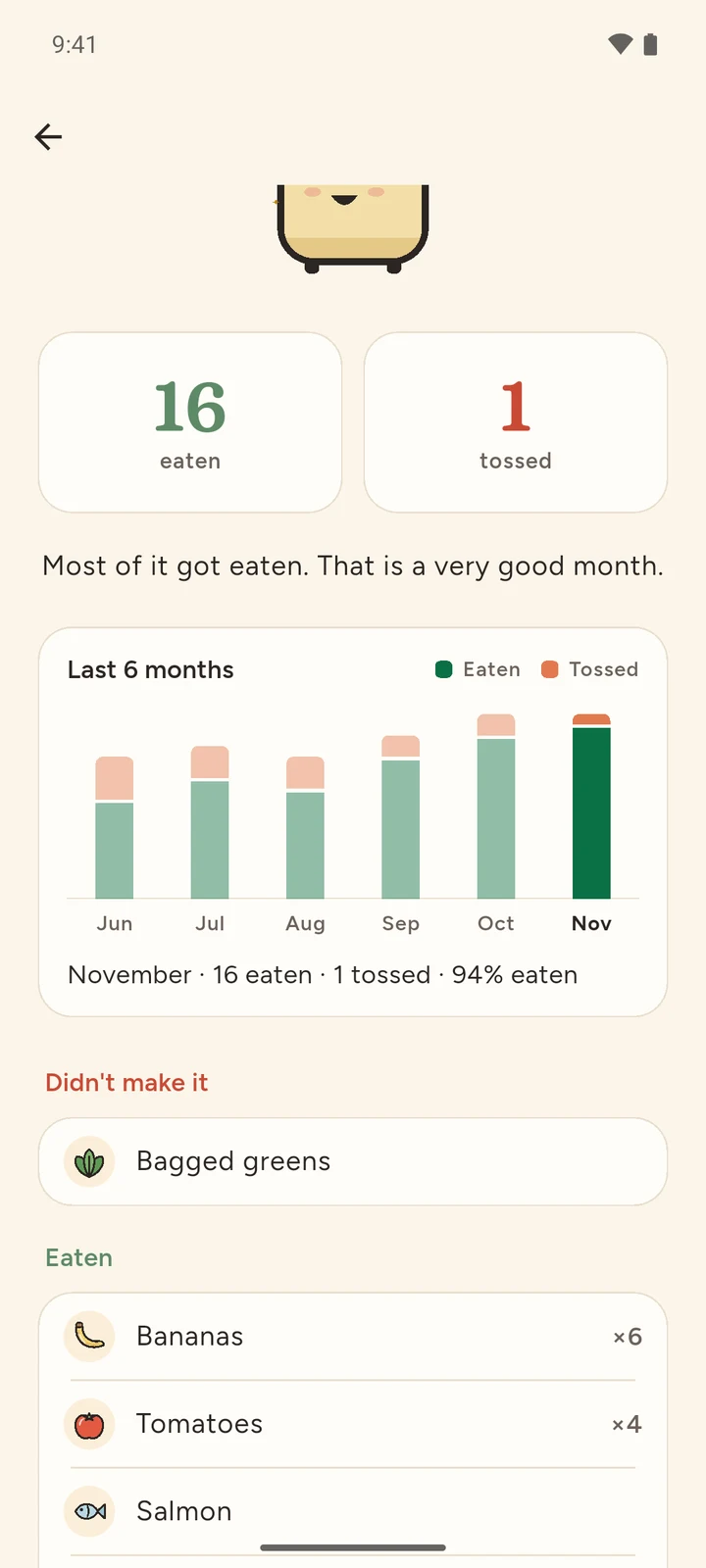
No. Fridget is free with a small ad. Premium is one payment that removes the ad and adds places, the widget and your full history.
Back up to a file and restore it on the new phone. Android's own backup keeps your list too.
US, European and Canadian formats, including dates like 2026 NO 21. "Best before" or "use by", it keeps track either way.
For Android. Free, with one optional payment for Premium.